IPTV Encoder Reviews 2026: Top 7 Picks Tested & Ranked
IPTV Encoder Reviews 2026: Top 7 Picks Tested & Ranked
A frozen stream can change the mood within seconds. Viewers expect clear video and steady playback during church services, classroom lessons, or live events. The right encoder delivers this experience without constant troubleshooting.
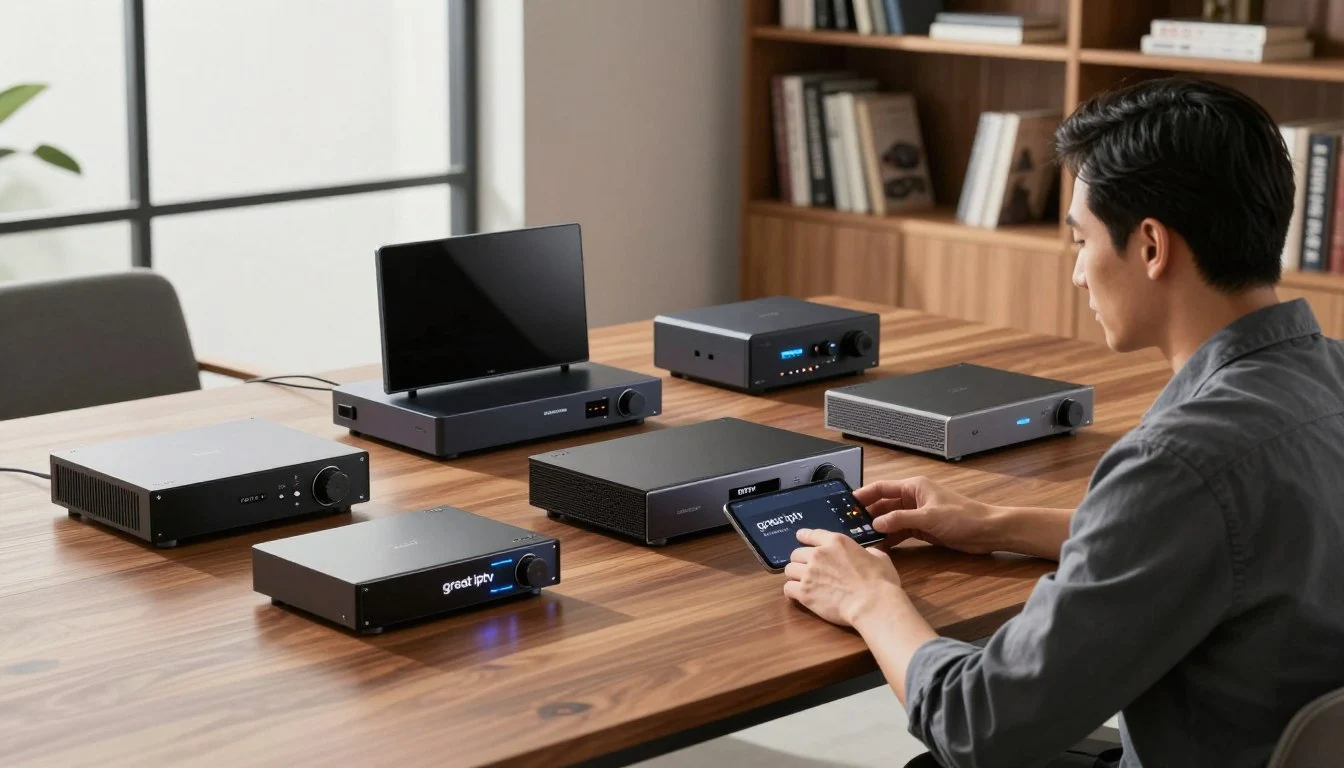
These IPTV encoder reviews compare seven leading 2026 models. They test the AJA HELO Plus, Haivision Makito X Series, Magewell Ultra Encode, and Kiloview E3. They also cover Blackmagic Design Web Presenter HD, Epiphan Pearl Mini, and Teradek Prism Flex in real streaming roles.
Our rankings assess picture quality, codec efficiency, latency, network stability, connectivity, software controls, and total value. Each model meets a different need, so a broadcaster’s choice may not suit a home creator or mobile production team.
As you explore the best IPTV encoders, you will find choices for small businesses, houses of worship, and schools. You will also find options for live event teams and professional IPTV networks. This guide explains which IPTV streaming equipment fits your source, workflow, and budget.
IPTV Encoder Reviews: How the Top Models Were Tested
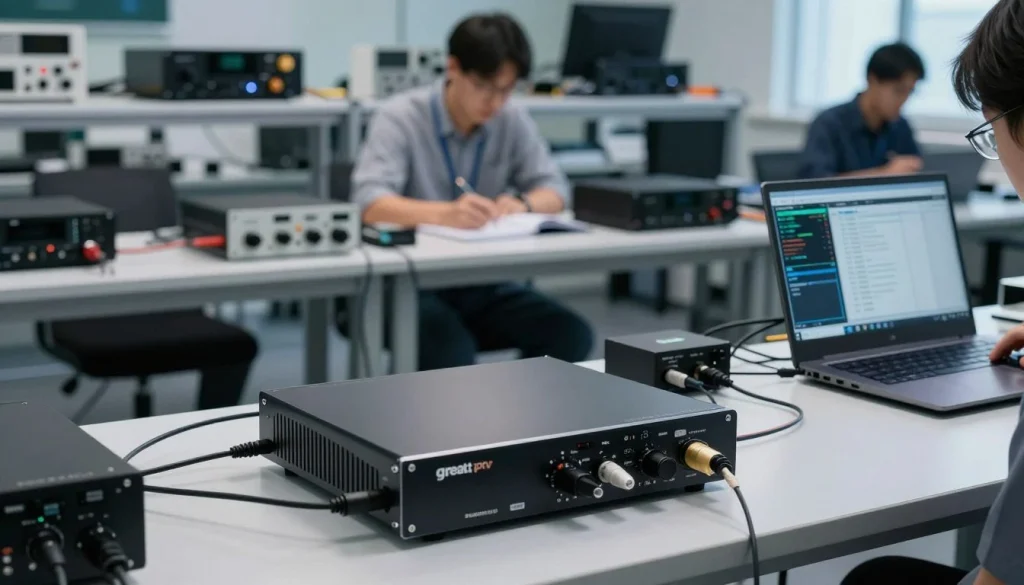
A sharp demo clip cannot fully judge an IPTV encoder. We tested every model with the same source files, bitrate targets, network setup, and viewing conditions. This kept encoder quality separate from test environment changes.
Picture quality and encoding efficiency
Picture tests covered common IPTV resolutions: 720p, 1080p, and 4K where supported. Each review checked fine detail, motion handling, color accuracy, audio sync, blocking, and banding.
We closely checked bitrate control during every session. Strong video encoding efficiency preserves detail without creating large files or unstable streams. Fast motion, dark footage, and busy backgrounds exposed weak compression.
Streaming stability and latency
Each encoder ran for long periods to expose heat issues, memory faults, and stream drops. Tests included brief network interruptions, reconnection attempts, and recovery after signal loss.
We measured latency from the source device to the viewing endpoint. The team tracked end-to-end delay, playback pauses, and audio drift. These checks showed how each model handled live IPTV workloads over time.
Hardware encoder testing conditions
Hardware encoder testing used consistent source footage and matched bitrate targets. Models used comparable H.264 profiles when supported, identical network conditions, and repeated sessions.
We connected the same inputs through equal cable types and tested identical streaming destinations. This setup made broadcast encoder performance easier to compare during steady and changing workloads. Results reflected encoder behavior, not setup changes.
Best IPTV Encoders at a Glance
Your ideal encoder depends on the job, not only the price. This guide groups the best IPTV encoders by workflow, image quality, inputs, control, and field use.
Top encoder for professional streaming
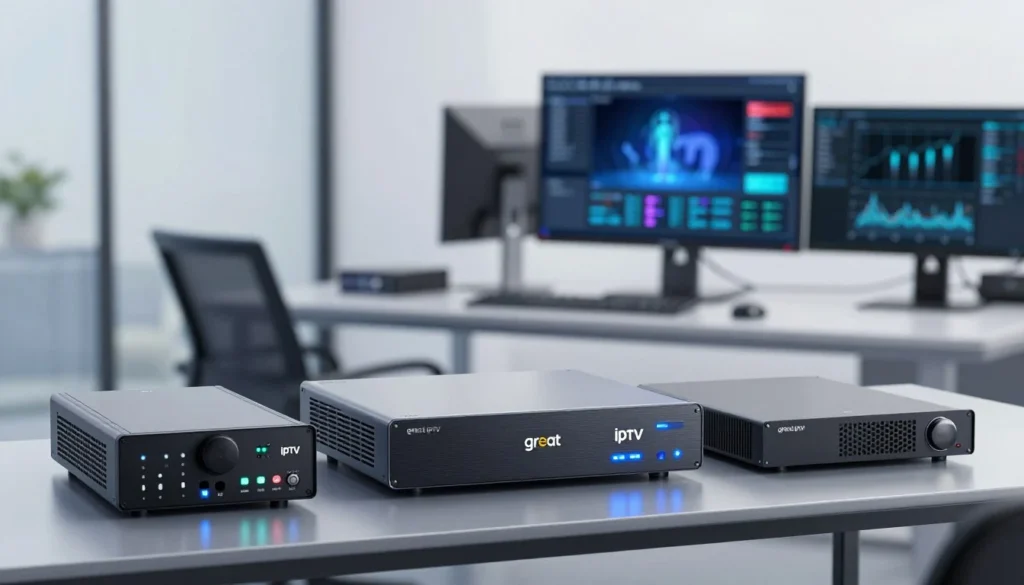
The AJA HELO Plus suits studios, houses of worship, and content teams needing steady operation. It offers reliable streaming control for professional IPTV solutions.
The Haivision Makito X Series handles demanding broadcast work. Its low-latency design, strong encoding, and advanced control suit managed networks and live distribution.
Best budget IPTV encoder
Magewell Ultra Encode models balance price, inputs, codecs, and platform support. They handle HDMI or SDI sources without requiring a complex rack system.
Blackmagic Design Web Presenter HD suits simple SDI or HDMI streaming. Its focused design can shorten setup for small teams, classrooms, and local channels.
Best encoder for live events and mobile production
The Kiloview E3 supports mobile crews needing flexible connections and dependable field control. It suits event coverage, interviews, and fast production changes.
Teradek Prism Flex supports compact remote workflows. As a portable IPTV encoder, it helps crews move between venues with a lighter streaming kit.
Compare each model by source format, network plan, and production space. Studios may value redundancy, while traveling crews may prefer a portable IPTV encoder with quick setup.
IPTV Encoder Comparison for Picture Quality and Performance
High resolution alone does not ensure good picture quality. Your encoder must balance detail, smooth motion, bandwidth use, and decoder compatibility. This review compares H.264 controls, output support, and stability during long streaming sessions.
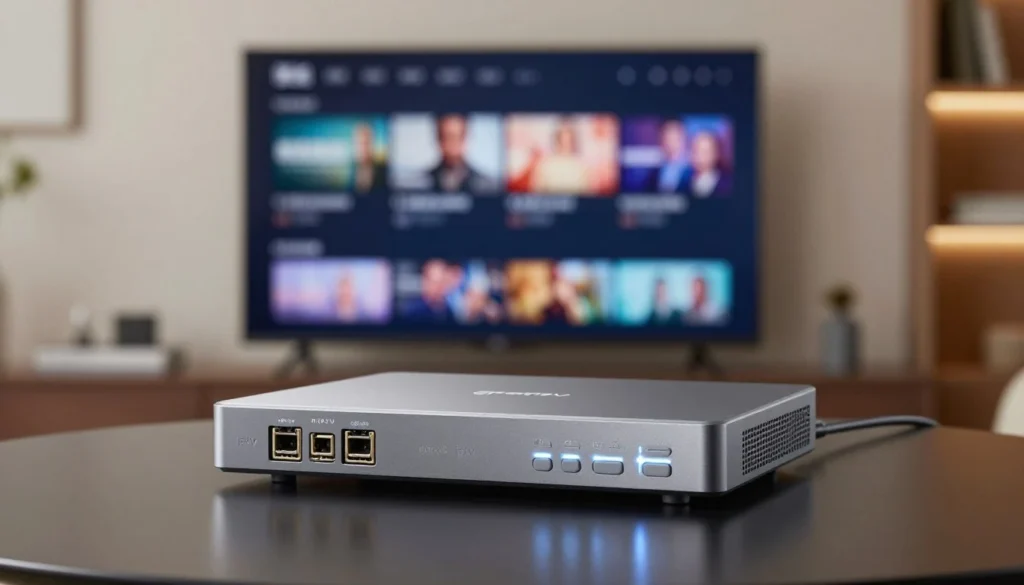
H.264 encoder comparison
A useful h.264 encoder comparison starts with profile, level, and rate control. High Profile can preserve more detail at the same bitrate than Baseline or Main Profile. Match your choice to playback devices, because older set-top boxes may support fewer H.264 features.
Constant bitrate makes bandwidth more predictable for managed IPTV networks. Variable bitrate can preserve detail during fast motion but may cause short traffic spikes. Check bitrate limits, buffer size, GOP length, and keyframe intervals; two seconds often suits live delivery and channel switching.
Audio settings also matter during full testing. AAC-LC is widely supported and works well with H.264 video. Check sample rates, channel modes, audio delay controls, and embedded or external audio input support.
Resolution, bitrate, and frame-rate support
Your source device should guide your encoder choice. A 4K IPTV encoder may accept 2160p at 30 or 60 frames per second. Lower-cost models may limit 4K to 30 fps, so confirm support for 1080p, 720p, and common refresh rates.
| Setting | What to check | Why it matters |
|---|---|---|
| Resolution | 4K, 1080p, 720p, and input scaling | Matches cameras, receivers, and displays |
| Frame rate | 24, 30, 50, and 60 fps | Controls motion smoothness and source compatibility |
| Bitrate | Range, ceiling, and rate control | Balances image detail with network capacity |
| Keyframes | GOP size and interval settings | Supports quick channel changes and stream recovery |
Fast sports and camera movement need more bitrate than interviews or studio graphics. Test every output at its target frame rate. A clean static scene may still show blocks, blur, or banding during rapid motion.
Broadcast encoder performance under heavy workloads
Broadcast encoder performance becomes clear during long sessions, multiple outputs, and high-motion content. Test the unit for several hours with every planned stream active. Watch for dropped frames, audio drift, rising temperature, and bitrate changes.
Thermal limits can reduce consistency in compact hardware. Strong ventilation, stable power, and efficient hardware acceleration help maintain output quality. Check for separate profiles for each destination, since one high-bitrate stream may not suit every viewer.
Demanding sources can reveal processing limits. Test HDR conversion, 4K scaling, interlaced video, and simultaneous H.264 outputs when your workflow requires them. Monitoring should show input status, encoder load, temperature, bitrate, and connection health during testing.
Top IPTV Encoders for Professional Streaming Setups
Professional streaming needs more than sharp video. You need reliable inputs, secure control, steady audio, and firmware for long production days. Choose an encoder that fits your media server, content delivery network, access control system, and monitoring tools.
Encoder features for broadcasters and content providers
Choose reliable SDI and HDMI inputs for cameras, switchers, or studio sources. Precise bitrate controls balance image quality with network limits. Balanced audio support can reduce noise across long cable runs.
Time synchronization matters for live news, sports, and multi-camera shows. Secure management needs user roles, protected access, and encrypted control. Stable firmware is among the most useful broadcast encoder features because updates should not disrupt scheduled streams.
Multi-channel streaming and redundancy options
For multi channel IPTV streaming, check how many independent encodes the unit can create. You may need separate profiles for mobile viewers, smart TVs, and high-resolution displays. Multiple outputs can send feeds to more than one platform or server.
Backup streams can protect a live channel when its primary path fails. Look for failover networking, redundant power, and clear status alerts. These options cost more but can limit downtime during high-value broadcasts.
Integration with professional IPTV solutions
Haivision, AJA, Epiphan, and Magewell offer products for different production needs. A compact Magewell unit may suit a simple contribution feed. Haivision systems can serve larger broadcast operations with strict delivery demands.
AJA and Epiphan products support many capture, production, and streaming workflows.
Before buying, confirm compatibility with your selected CDN, media server, conditional access system, and monitoring platform. Review supported protocols, control methods, and alert formats. Strong broadcast encoder features matter most when they work smoothly across your full professional IPTV solutions architecture.
IPTV Streaming Equipment for Home and Small-Business Use
For homes, classrooms, churches, and small businesses, you need reliable gear without a complex control room. The right IPTV streaming equipment can turn a camera, presentation source, or set-top box into a steady online broadcast.
Look for simple controls, stable Ethernet support, and clear setup menus. Magewell Ultra Encode, Blackmagic Design Web Presenter HD, and selected Kiloview models fit many local events, fitness studios, and internal communications teams.
Compact encoders for simple streaming setups
A compact video encoder saves space and cuts setup time. These units can sit near a camera or display without needing a large rack. Many support common streaming services through RTMP, SRT, or other network protocols.
Magewell Ultra Encode models suit users who want flexible video control in a small chassis. Blackmagic Design Web Presenter HD offers a direct workflow for HDMI sources and live production tools. Kiloview provides portable choices for mobile crews and small venues.
Check the encoder’s maximum resolution and frame rate before buying. A basic 1080p workflow may suit training sessions, worship services, and staff meetings. A higher-end model gives you more room for multi-camera work.
Input compatibility and connectivity
Start by checking the output ports on your source device. An HDMI streaming encoder works well with many cameras, laptops, game systems, and media players. SDI sources need an encoder with SDI input, while older equipment may need component or composite support.
Review the audio path with care. Some encoders accept embedded HDMI audio, while others provide a separate analog input. Confirm support for your microphone, mixer, or camera before ordering.
- Use Ethernet when you need the most consistent connection.
- Choose Wi-Fi or cellular support for temporary and mobile locations.
- Check for pass-through output if you need a local monitor.
- Confirm the required power supply and cable types.
Ease of installation and daily operation
Web-based configuration makes most small streaming systems easier to manage. You can set the video size, bitrate, audio level, and destination from a browser. Presets help you repeat the same setup for weekly events.
A compact video encoder should start quickly and show clear status information. Front-panel lights, simple menus, and remote access help you find network or signal problems before broadcasting begins.
Keep one tested preset for regular use and label each connected cable. This small habit reduces errors when volunteers or part-time staff run the system.
Encoder Features That Affect IPTV Streaming Stability
High resolution alone cannot ensure a steady stream. Network support, cooling, software control, and recovery tools affect viewing quality during long sessions. Check these features before judging an encoder by its price or output specifications.
Network Protocols and Platform Compatibility
Choose an encoder that supports your platform’s protocols. RTMP works with many popular streaming services, while SRT protects video quality across less reliable networks. RTSP suits local cameras and private systems, while HLS supports many devices and adaptive playback.
Some professional workflows need Zixi or a vendor-specific transport method. Confirm support for your platform before buying, including authentication, stream key handling, and audio formats. Automatic reconnection can help protect IPTV streaming stability when network conditions change.
Hardware Acceleration and Thermal Management
Hardware acceleration moves encoding work away from the main processor. It can lower CPU pressure, reduce dropped frames, and support steady output during demanding sessions. When supported by your source and platform, choose dedicated H.264 or HEVC encoding.
Heat can harm performance during continuous use. A strong encoder needs clear air vents, a quiet fan design, and space around its chassis. Keep it away from direct sunlight and blocked shelves; a stable room temperature preserves output quality during long broadcasts.
Remote Monitoring, Alerts, and Firmware Support
Remote encoder monitoring shows stream status without requiring a site visit. Useful dashboards display bitrate, frame rate, input health, processor load, temperature, and connection status. Email or app alerts can warn about signal loss, overheating, or failed streams.
Event logs can reveal repeated network errors or encoder faults. Automatic reconnection may restore a stream after a brief outage. Secure firmware updates need a documented process, release notes, and rollback guidance. Before an unattended installation, check support hours, warranty terms, and the vendor’s update policy.
How to Choose Among the Best IPTV Encoders
To compare the best IPTV encoders, start with your source device, not the feature list. Check its connector, output resolution, frame rate, and audio format. Confirm whether it uses HDMI, SDI, USB, or another connection.
Copy protection can affect your setup. Your encoder may need compatible signal handling or a converter. Match the input signal to the encoder before comparing streaming features.
Matching Encoder Specifications to Your Source Device
Choose an encoder that accepts your source’s native format. A camera sending 4K at 60 frames per second needs enough input bandwidth and processing power. An older HDMI source may need a converter for SDI-based equipment.
Review audio support carefully. Look for formats that match your mixer, camera, or media player. A mismatch can cause missing sound, poor sync, or extra conversion steps.
Choosing Between H.264 and Newer Compression Options
When comparing H.264 versus H.265, focus on device support and bandwidth needs. H.264 works with many platforms, receivers, and older playback devices. H.265 can deliver similar quality at a lower bitrate, which may reduce network costs.
H.265 may need stronger decoder support and a licensing review. Newer options such as AV1 can suit selected platforms, but compatibility varies. Choose the codec that fits your viewers, delivery service, and playback hardware.
Evaluating Total Cost, Scalability, and Warranty Coverage
Purchase price shows only part of the cost. Include software subscriptions, rack accessories, replacement power supplies, support plans, and bandwidth fees. A low-cost encoder may cost more when key features require monthly payments.
Check expansion capacity before you buy. Extra inputs, multi-channel support, and remote control can help your system grow. Review encoder warranty coverage, repair times, and exclusions.
Strong support can protect your budget when equipment fails during a live stream.
IPTV Encoder Buying Guide for 2026
Match the encoder to your source, network, audience, and budget. Basic streams need reliable inputs and steady controls. Larger operations need stronger transport, monitoring, and support.
Use these iptv encoder reviews as a starting point, then compare each model with your daily workflow. This IPTV encoder buying guide can help match features with each use case and prevent wasted cost.
Need Help Choosing the Right IPTV Encoder?
Not sure which encoder matches your source, network, audience, and budget? Contact us for help comparing your options and finding an IPTV encoder that fits your streaming setup.
Have your streaming requirements ready so we can better understand your setup.
Recommended specifications for different streaming goals
For one-camera streaming, choose HDMI or SDI input, H.264 encoding, 1080p output, and stable Ethernet. Simple destination controls can speed setup. Check audio support before buying because video and audio formats must work together.
| Streaming goal | Recommended specifications | Useful features |
|---|---|---|
| Home or single source | HDMI, H.264, 1080p, wired Ethernet | Simple setup, basic audio support, destination presets |
| Small business | HDMI or SDI, 1080p, steady bitrate control | Remote access, status alerts, reliable cooling |
| Live events | SDI or HDMI, low latency, SRT support | Multiple outputs, backup network, portable design |
| Professional IPTV | 4K, H.264 or H.265, SRT, redundant networking | Multi-channel control, remote administration, service support |
Professional deployments may need 4K input and output, SRT transport, multiple channels, and backup network paths. Remote administration helps manage equipment across venues. Documented service support matters when streams serve paying viewers.
Common purchasing mistakes to avoid
Do not buy based on resolution claims alone. A 4K label does not prove strong bitrate control, low latency, or stable operation during long sessions. Review input types, audio compatibility, heat handling, and platform support.
- Confirm that your source device uses a supported HDMI or SDI format.
- Check whether your platform accepts the encoder’s protocol.
- Test upload speed at the real installation site.
- Review cooling needs for long broadcasts.
- Ask about firmware updates, warranty terms, and service response.
Test the full path before committing. Include the camera, encoder, network, platform, and display. This can reveal bandwidth limits or audio faults that a short showroom test may miss.
When to upgrade your IPTV streaming equipment
Plan an IPTV streaming equipment upgrade when your encoder cannot meet a required resolution, latency target, or destination count. Frequent dropouts, weak monitoring, and limited security controls show that your setup needs review.
An upgrade makes sense when you add 4K sources, remote locations, or paid channels. Look for SRT support, redundant networking, remote alerts, and better thermal design. Your next encoder should support your current workload with room for measured growth.
Use fresh iptv encoder reviews to compare firmware support, warranty coverage, and long-term operating costs. A careful IPTV streaming equipment upgrade should improve control and reliability, not just image resolution.
Conclusion
These iptv encoder reviews show that your choice depends on source format, target resolution, network quality, platform support, and budget. Before you buy, confirm the encoder matches your camera, switcher, display, and streaming service.
For a simple HDMI workflow, Blackmagic Design and Magewell offer practical options with clear setup paths. AJA, Haivision, Epiphan, Kiloview, and Teradek offer tools for monitoring and redundancy. They also support long-term operation for live events or larger channels.
The best IPTV encoders need reliable cooling, stable firmware, useful alerts, and support for your required protocols. These details can affect picture quality, latency, and uptime as much as resolution or bitrate.
Use the testing points in this guide before choosing equipment for your professional IPTV solutions. A careful check of compatibility, warranty coverage, and future capacity will help build a stable IPTV system. It can meet your needs today and grow over time.